On the ‘gram, you’ve likely seen aesthetic and candid photos with the texture and grain you can only get from film. So, how do influencers get those trendy film photos to translate digitally?
If you’ve ever tried to take a picture of a picture on paper, you know that it rarely turns out okay. Usually, there’s an awkward glare from lighting or the angle isn’t quite right.
But, have you ever tried scanning photos? Similar to how you’d scan a signed document on your iPhone, you can scan pictures! I recently did this with a few music festival photos I took on Fujifilm Instax cameras.


At Summerfest, Fujifilm had this awesome activation that you could walk through and test a variety of Instax cameras. I had a blast snapping pictures and checking out the different models. I’ve had an Instax Mini for a while, so it was cool to see what’s new.
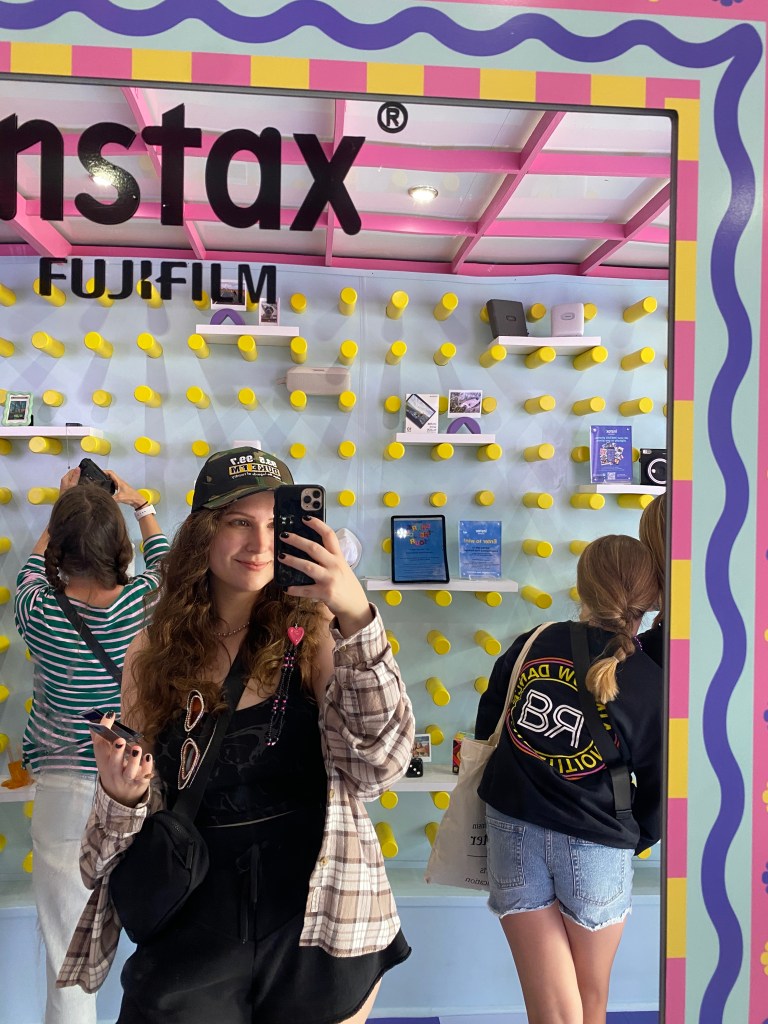


I wanted a way to save the pictures I took digitally and share them with others. So, that’s how I stumbled upon this photo-scanning hack!
If you have an iPhone, you can follow these simple steps:
- Open your notes app.
- Open a new note.
- Click on the camera icon.
- Select “scan documents.”
- Position your camera straight down at the photo you want to scan.
- Click the circle to snap the scan.
- Adjust the box to your photo borders if needed.
- Select “keep scan” and select “save.”
- Take a screenshot of the document and crop it as needed.
That’s all you need to do to digitize your film pics!
Of course, higher-quality scanners are out there if you’d like a better digital copy of your film photos. But, if you’re looking for a quick and easy method to post a picture you like, try an iPhone scan!
Are you an instant photo fan? Do you love the film photo aesthetic? I would love to hear your thoughts in the comments or on Instagram. Let’s chat!
 Megan Burton